

How to Build a Branded Order Tracking Page for Shopify and WooCommerce
Learn how to build a branded tracking page on Shopify and WooCommerce to keep shoppers on your store, cut WISMO support tickets, and drive repeat purchases with Biteship.
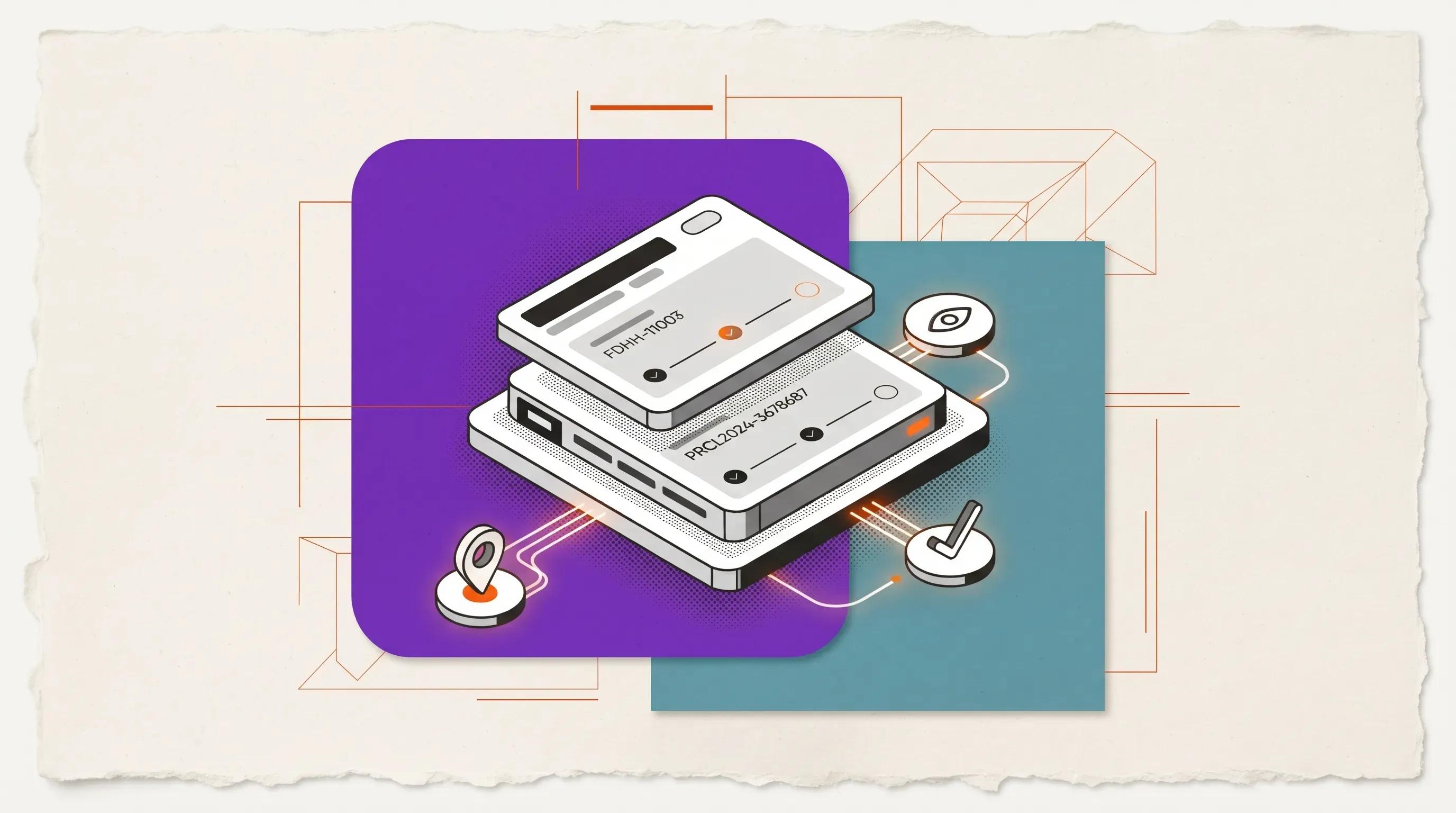
Sending customers to external courier websites fragments the post-purchase experience and drives up support tickets. Building a branded tracking page on your Shopify or WooCommerce store keeps buyers inside your ecosystem, cuts "Where Is My Order" inquiries, and turns delivery check-ins into repeat purchase opportunities.
Post-purchase engagement is often the most overlooked stage of the e-commerce funnel. Once a customer completes checkout, their anticipation peaks, and they will check their delivery status multiple times before the package arrives. Where they go to check that status determines whether you retain their attention or hand it over to a third-party logistics portal.
Why Courier Tracking Links Send Customers Away From Your Brand
In a standard fulfillment workflow, once an order ships, the store sends an automated email or WhatsApp message containing an airway bill (AWB) number and a link to the carrier's website. The moment the shopper clicks that link, they leave your storefront entirely.
External courier portals are built strictly for utility, not brand retention. They are often cluttered with generic carrier promotions, unfamiliar interfaces, or fragmented status terminology that confuses buyers. If you ship with multiple couriers, such as instant riders for local orders and regular express carriers for intercity deliveries, your customers face a different tracking experience every time they buy from you.
The Hidden Cost of Unbranded Tracking
Relying on default carrier links creates quiet operational leaks across both customer support and retention metrics.
Rising Support Tickets
When carrier status updates look unclear or require copying and pasting tracking numbers across different sites, customers default to contacting your support team. Answering repetitive "Where Is My Order" (WISMO) messages consumes hours of admin time every week, especially during peak sales campaigns.
Lost Repeat Purchase Moments
Order tracking pages see some of the highest open and revisit rates of any post-purchase touchpoint. When that traffic lands on a courier's domain, you miss the chance to showcase complementary products, share care instructions, or offer a time-bound discount for their next order.
How to Build a Branded Tracking Page Step by Step
You do not need to build a custom tracking engine from scratch to keep shoppers on your site. Connecting a centralized shipping aggregator like Biteship lets you sync real-time shipment statuses across multiple couriers directly into your storefront.
Setting Up on Shopify
- Connect Your Shipping Layer: Create a Biteship account and connect the Biteship plugin to your Shopify store so order and courier data sync automatically.
- Create a Dedicated Tracking Page: In your Shopify Admin, go to Online Store > Pages, click Add page, and title it Track Your Order (or your preferred brand label).
- Configure Tracking Display and Branding: Apply your store's theme header, footer, brand colors, and typography to the page, and connect your order lookup or status tracking widget so customers can check shipments using their order or AWB details.
- Update Post-Purchase Notifications: Replace external courier links in your Shopify shipping confirmation emails and WhatsApp templates with the direct URL to your new branded tracking page.
- Add Merchandising Blocks: Place a curated "Recommended for You" product section or a reorder incentive banner below the tracking status module before publishing.
Setting Up on WooCommerce
- Install and Connect the Shipping Plugin: Install the Biteship plugin on your WordPress/WooCommerce site and link your API credentials (see the Biteship API documentation) so courier rates, AWB generation, and real-time tracking stay synchronized.
- Build a Custom Tracking Page in WordPress: Navigate to Pages > Add New in your WordPress dashboard and create a dedicated order tracking page styled with your active theme or page builder.
- Embed Order Lookup Functionality: Add your order tracking form or Biteship shipment tracking integration to the page so customers can view real-time courier milestones without leaving your domain.
- Route Order Emails to Your Store: Edit your WooCommerce Completed Order and Order Shipped email templates to link directly to your hosted tracking URL rather than individual carrier sites.
- Test Multi-Courier Updates: Run a test order across different courier types (instant, same-day, and regular) to verify that status updates render cleanly on both desktop and mobile screens.
Stuck on a setup step? The Biteship Help Center covers plugin installation and common integration questions.
What the Page Saves You in Tickets and Support Hours
Centralizing shipment visibility inside your own storefront delivers measurable relief to operations and customer service teams:
- Fewer Repetitive Status Inquiries: When customers can click one familiar link from their confirmation message and see clear, real-time delivery milestones, routine WISMO tickets drop noticeably.
- Faster Exception Handling: Because your team monitors all 30+ couriers inside one unified dashboard alongside the customer-facing tracking view, support agents can spot delayed or failed deliveries early instead of manually checking multiple carrier portals.
- Reclaimed Admin Hours: Every hour saved from copying tracking numbers or answering status pings can be redirected toward order fulfillment, inventory checks, and customer retention.
Want to see how other merchants run their shipping operations on Biteship? Browse the Biteship case studies.
Keep Customers Engaged From Checkout to Doorstep
Your customer relationship should not end the moment a parcel leaves your warehouse. Bringing order tracking onto your own Shopify or WooCommerce storefront protects your brand experience, reduces repetitive support tickets, and turns routine delivery check-ins into new revenue opportunities.
Explore Biteship E-Commerce Plugins to connect 30+ couriers and real-time shipment tracking to your store, or create a free Biteship account to streamline your post-purchase logistics today.
Frequently Asked Questions (FAQ)
Do I Need to Code to Build a Tracking Page?
No. Both Shopify and WooCommerce allow you to create a dedicated page using built-in page editors and connect shipping plugins like Biteship without writing custom backend code. If you want to go further with the API, the developer documentation is the place to start.
What Is the Difference Between Shopify and WooCommerce?
Shopify manages hosting and checkout templates inside a closed ecosystem where you configure pages via Shopify Admin and app integrations, while WooCommerce gives you full WordPress control over page layout, custom blocks, and email template hooks.
Can the Page Show Several Couriers?
Yes. By routing shipment data through Biteship, your tracking workflow can unify status updates across 30+ couriers, including instant, same-day, and intercity carriers, under one consistent experience.
Can the Page Promote Other Products?
Yes. Because the tracking page lives on your own domain, you can place product recommendations, bundle offers, loyalty reminders, or social links directly around the shipment status section.
How Do I Measure the Impact?
Track three core metrics before and after launch: the weekly volume of "Where Is My Order" support tickets, the click-through rate from your tracking page to product pages, and repeat order conversions attributed to post-purchase traffic.
About the author

Content Manager
Nur Alfatingsih, Content Manager at Biteship, turns internal data and search analysis into practical shipping guidance that sellers and businesses can find through search engines.
Tags
Related articles
November 24, 2026
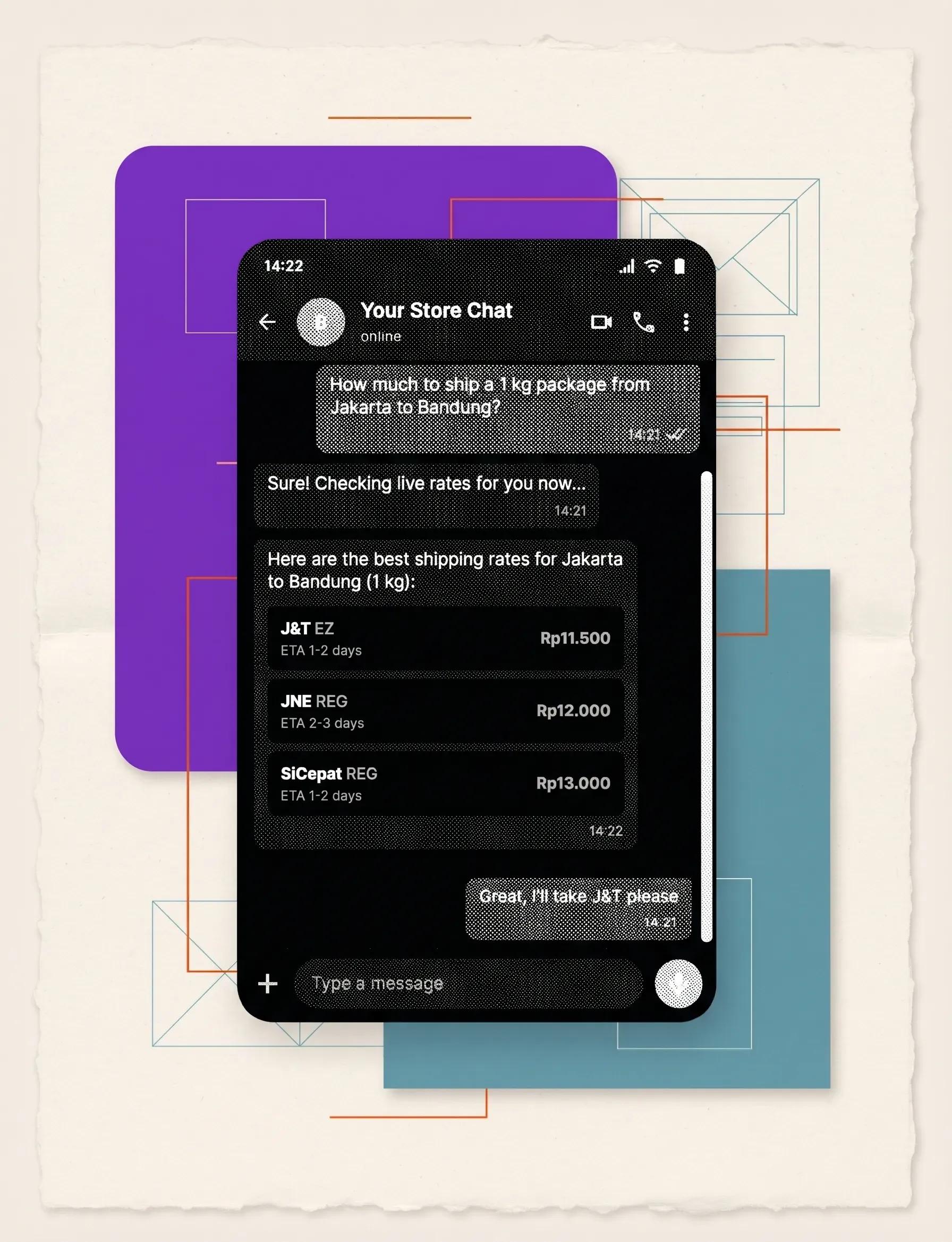
AI Chat Commerce Takes Shipping Questions Off Your Support Team
Shoppers get live courier rates and order status in WhatsApp when your chat calls a shipping API. Here is the setup and what to measure.
November 26, 2026
Inside One Parcel’s Journey, and the Waiting Time Nobody Shows You on the Tracking Page
We followed one regular parcel from Jakarta to Bekasi and logged the time at every handoff. Here is what really happens behind the “in transit” status.

November 18, 2026
Does Your Business Need Same-Day Delivery Yet?
Same-day delivery pays off when orders cluster in one city, buyers want them today, and the extra margin covers the shipping subsidy.